$8.99$6.99
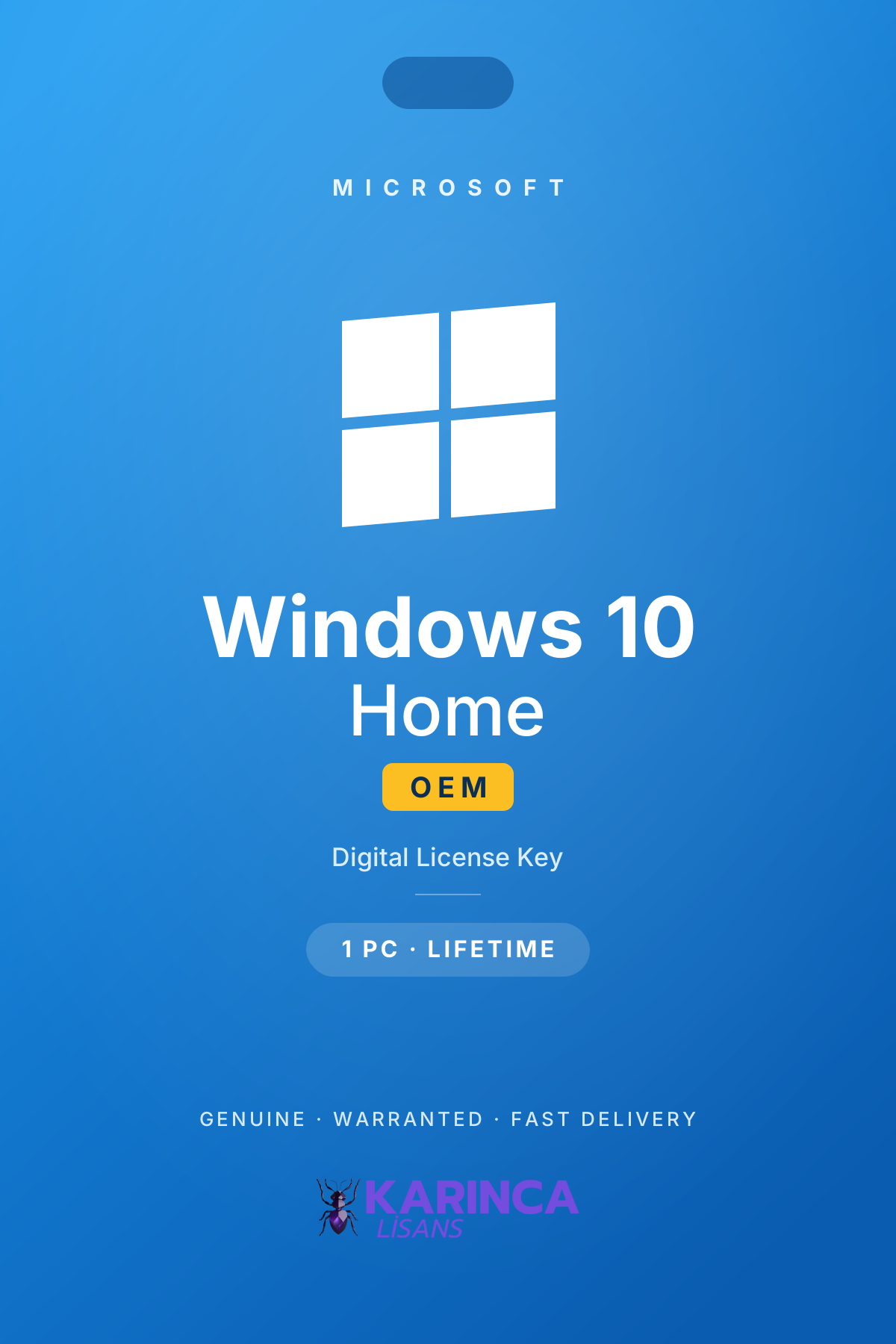
Windows 10 Home OEM License
5.06 reviews
Windows 10 Home OEM key: registered to your motherboard for life, reactivates automatically after a format. 100% genuine, invoiced, 1–90 min delivery.Read more →
$6.9929% off
$4.99
In stock
Your payments are protected by Stripe and 256-bit SSL.
- OEM licence valid for life on a single computer
- Tied to your motherboard — reactivates automatically after a format
- 100% genuine and invoiced, verifiable on Microsoft activation servers
- Digital delivery: your key is usually in your inbox within 1–90 minutes
- Online activation with step-by-step setup guidance
6-Month Warranty: If your key develops an activation problem within 6 months of delivery, contact our WhatsApp support — we issue a replacement key, or a refund if the problem cannot be resolved.
Windows 10 Home OEM licence is still the most practical choice for older computers without TPM 2.0 and for everyday use. The key is permanently registered to your motherboard and stays valid on the same computer for life. Genuine, invoiced and fast: your key is usually in your inbox within 1–90 minutes.
What Is a Windows 10 Home OEM Licence?
An OEM (Original Equipment Manufacturer) licence registers the operating system permanently to a single computer. The key pairs with your motherboard on first activation, so when you format or reinstall Windows on the same machine it reactivates automatically. There is no subscription, no yearly renewal, no extra fee — pay once and use it for the life of your device.
OEM, MAK and Retail Licences Compared
For Windows 10 Home we offer several licence types including OEM (this product), MAK and Retail — and the catalogue keeps growing. All of them are 100% genuine; the difference is the usage scenario:
| Feature | OEM (this product) | MAK | Retail |
|---|---|---|---|
| Device binding | Permanently tied to the motherboard | Not permanently tied to a device | Tied to the user |
| Moving to another PC | Not transferable | Not transferable | Transferable |
| After a format | Reactivates automatically | May need reactivation | Easily reactivated |
| Validity | Lifetime | Lifetime | Lifetime |
| Price | Mid-range | Most economical | Premium |
| Best for | Keeping one PC for many years | A fast, economical solution | Frequent hardware upgrades |
We examined all the details in our guide OEM vs Retail licence differences.
Windows 10 Home Highlights
- Ideal for home use: everything you need for daily work, office apps and entertainment.
- Gaming performance: a smooth experience with DirectX 12, Game Mode and Xbox integration.
- Windows Security: built-in Defender antivirus, firewall and ransomware protection.
- Automatic updates: your system stays current and protected.
- Microsoft account integration: OneDrive, Microsoft Store and cross-device sync.
System Requirements
- 1 GHz or faster processor
- 2 GB RAM for 64-bit, 20 GB storage
- DirectX 9 compatible graphics, 800×600 display
- No TPM requirement — compatible with older hardware
Honest Information on Windows 10 Support Status
Microsoft ended mainstream support for Windows 10 on 14 October 2025. Your system keeps working and your licence remains valid for life, but no new feature updates are released. We covered the full roadmap in our guide Windows 10 end of support: what to do in 2026. If your hardware qualifies we recommend moving to Windows 11; for older machines a Windows 10 licence remains a safe, legitimate choice.
What Home Leaves Out — and When That Matters
Windows 10 Home covers everyday computing completely. The features it omits are the ones built for managed and business machines, and on an OEM licence — which stays bound to this motherboard for the life of the computer — it is worth knowing them before you buy:
- No BitLocker drive encryption. Home offers Device Encryption on some hardware, but not the full BitLocker management that IT policies usually require.
- No Remote Desktop host. You can connect out from a Home machine, but you cannot connect into it over RDP.
- No domain join or Group Policy. A Home machine cannot join a corporate Active Directory domain — the single most common reason an office PC needs Pro.
- No Hyper-V. Virtual machines need Pro or a third-party hypervisor.
- No Windows Update for Business. Home installs updates on Microsoft's schedule, not yours.
Because an OEM licence stays with this computer permanently, the practical question is whether this machine will ever need to join a domain or host a remote session. If it might, our Windows 10 Home to Pro upgrade key moves it up without reinstalling anything, or you can start from the Windows 10 Pro OEM licence directly.
Why Karınca Lisans?
Karınca Lisans is a Türkiye-based digital licensing platform serving thousands of individual and corporate customers. All our Windows 10 licences are sourced through official channels, every sale is invoiced, and keys can be verified on Microsoft activation servers. Delivery is by e-mail, usually within 1–90 minutes, and our WhatsApp support line is there for any setup questions. Faulty keys are covered by our 6-month warranty. You can explore other licence options in the related products below.
Does an OEM licence survive a motherboard change?
The OEM key registers to your motherboard on first activation. Changing RAM, disks or the graphics card does not affect the licence, but it cannot be moved to a new motherboard. If you change hardware often, consider our MAK or Retail options.
Do I need to reactivate after formatting?
No. Because the OEM licence is paired with your motherboard, Windows reactivates automatically as soon as the same computer goes online after a reinstall.
How is it different from a MAK licence?
An OEM licence is permanently registered to one computer and reactivates automatically after a format; a MAK licence is more economical but is not permanently tied to the device. Both are genuine — the choice depends on how you use your computer.
How long does delivery take, and is it invoiced?
Your key is delivered by e-mail, usually within 1–90 minutes. Every sale is invoiced; corporate purchases are invoiced with your company details.
Is the key genuine?
Yes — 100% genuine, sourced through official channels and verifiable on Microsoft activation servers. Faulty keys are covered by our 6-month warranty.
Does Windows 10 still receive updates?
Microsoft ended mainstream support on 14 October 2025; no new feature updates are released. Your licence stays valid for life and the system keeps working. If your hardware qualifies, we recommend moving to Windows 11.
Buy in 3 Steps
After payment, your licence is usually in your inbox within 1-90 minutes.
- 1Choose your licence
- 2Make your payment
- 3Delivered to your inbox
For detailed setup instructions, see our Instructions for Use Library.
Some of these reviews come from our customers in Türkiye and are shown in Turkish.
Verified purchase
Oğlum önerdi ben pek anlamam bu işlerden. Yazışarak yardımcı da oldular sağolsunlar kuruldu bilgisayarım güncel şimdiVerified purchase
sorunsuz aktif oldu teşekkürlerVerified purchase
Teşekkürler herşey çok güzeldi .Verified purchase
Gerçekten çok ıyı ve anlayıslı bır sıstemlerı var bu konuda herkese bu fırmayı onerebılırım takdıre sayan gercektenVerified purchase
Lisans çalıştı, işimi gördüVerified purchase
İlk alışverişimde sorun yaşamadım. İkinciyi de buradan alırım gibi duruyor.You May Also Like
$8.99$5.99
29% off
$6.99$4.99
$9.99$6.99