
$242.99$177.99
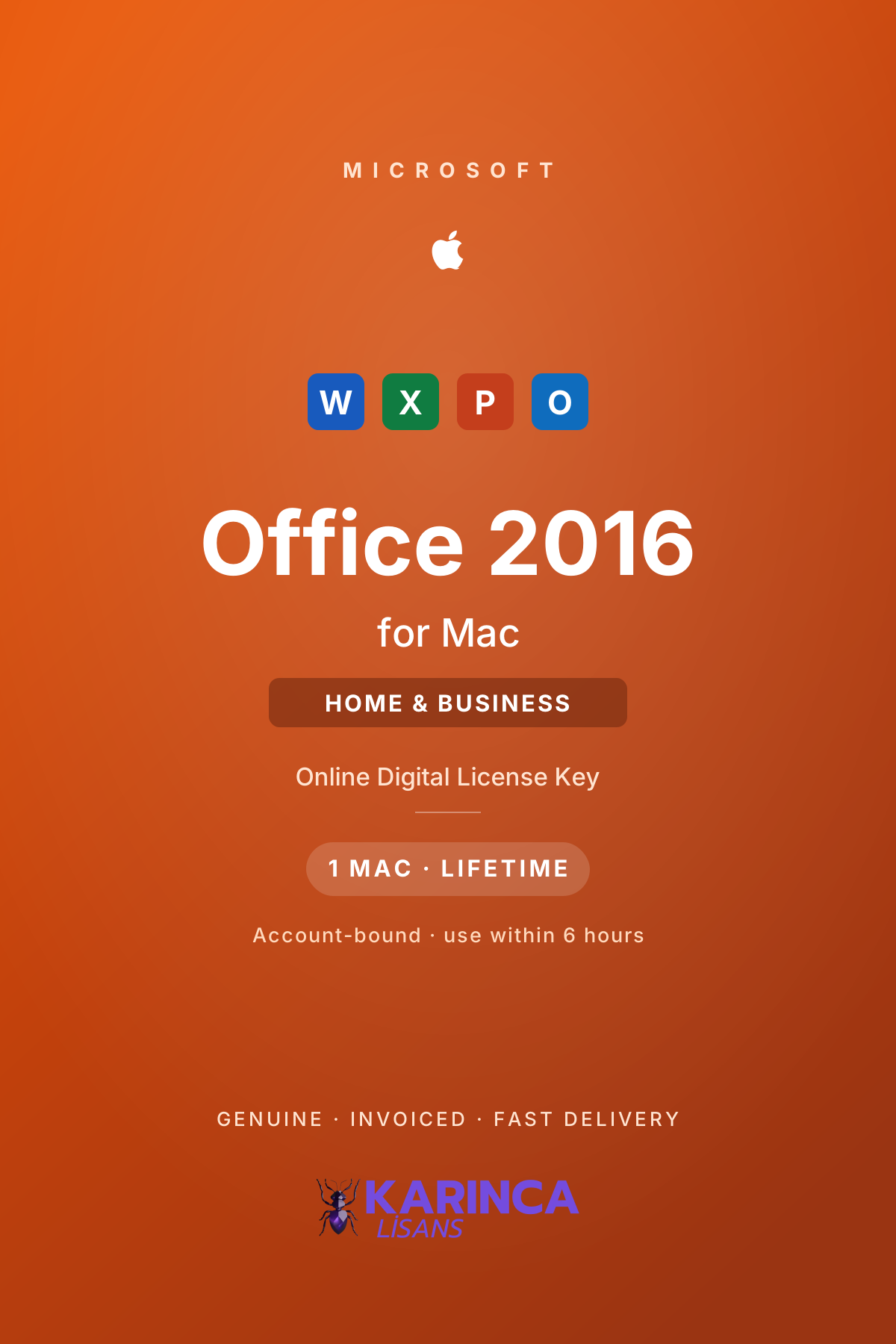
Office 2016 for Mac Home & Business License
Office 2016 for Mac Home & Business: account-bound online key, format-safe, lifetime on 1 Mac. Runs on macOS 10.10+. Invoiced, 1–90 min delivery.Read more →
$56.9946% off
$30.99
In stock
Your payments are protected by Stripe and 256-bit SSL.
- Delivered as an online key — registered to your Microsoft account
- Format-safe: survives wipes and restores — lifetime on 1 Mac
- Must be used within 6 hours of delivery
- Word, Excel, PowerPoint and Outlook for Mac
- 100% genuine and invoiced — delivery usually within 1–90 minutes
6-Month Warranty: If your key develops an activation problem within 6 months of delivery, contact our WhatsApp support — we issue a replacement key, or a refund if the problem cannot be resolved.
Buy an Office 2016 for Mac Home & Business licence — Word, Excel, PowerPoint and Outlook, valid for life on one Mac with a single payment. This is an online key registered to your Microsoft account: unlike ordinary keys, it does not disappear after a format. Sign in with your account and reinstall any time. Delivery is digital, usually within 1–90 minutes, 100% genuine and invoiced.
Why an Account-Bound Licence Is an Advantage
- Registered to your Microsoft account (your e-mail): the licence lives in your account, for life.
- Format-safe: wipe or restore your Mac — sign in and reinstall, no key needed again.
- Lifetime on 1 Mac: one payment, no subscription, no renewal.
- Home & Business: includes Outlook, unlike the Home & Student edition.
What Office 2016 for Mac Brought
- The first true Retina release: the whole suite was redrawn for high-density Mac displays.
- Redesigned interface: a ribbon that finally matched the Windows version, with Mac-native behaviour.
- Full-screen and multi-touch: proper macOS full-screen support and trackpad gestures.
- OneDrive integration: opening and saving straight to cloud storage from the applications.
Office for Mac 2016 · 2019 · 2021 · 2024 — Which One Fits You?
| Office 2016 ✓ | Office 2019 | Office 2021 | Office 2024 | |
|---|---|---|---|---|
| Applications | Word, Excel, PowerPoint, Outlook | Word, Excel, PowerPoint, Outlook | Word, Excel, PowerPoint, Outlook | Word, Excel, PowerPoint, Outlook |
| Apple Silicon (M-series) | Intel / Rosetta | Runs under Rosetta | Native | Native |
| macOS requirement | macOS 10.10 or later | macOS 10.13 or later | macOS 11 Big Sur or later | macOS 13 Ventura or later |
| Headline feature | Retina support, redesigned interface | New Excel functions, Morph | XLOOKUP, dark mode | Refreshed interface, current Excel |
| Microsoft support | 13 October 2020 (ended) | 14 October 2025 (ended) | 13 October 2026 | around October 2029 |
| Licence | Lifetime · 1 Mac | Lifetime · 1 Mac | Lifetime · 1 Mac | Lifetime · 1 Mac |
Note: the Microsoft support calendar for Office for Mac differs from the Windows releases — the 2016 Mac version left support in 2020, five years before its Windows counterpart. Where support has ended, the applications keep working and your licence stays valid for life, but no new security updates are published.
Who Is It For?
- Older Intel Macs that cannot run macOS 11 or later — this is the release that still installs on macOS 10.10 through 10.14
- Offline document work where the newest Excel functions are not required
- Keeping an existing Office 2016 for Mac fleet consistent
- Budget-first buyers who knowingly accept an out-of-support release
System Requirements
- macOS: 10.10 Yosemite or later (Intel Macs)
- Processor: Intel — runs on Apple Silicon only through Rosetta and is not recommended there
- Memory: 4 GB RAM
- Disk: 6 GB of free space, HFS+ formatted
- Display: 1280×800 resolution
Support Status — An Honest Note
Microsoft ended support for Office 2016 for Mac on 13 October 2020 — the Mac release left support five years earlier than its Windows counterpart. The applications keep working and your licence stays valid for life, but no new security updates are published. It remains practical for older Intel Macs and offline work; if you want an in-support release with native Apple Silicon performance, look at Office 2021 for Mac or Office 2024 for Mac.
Licence Rules — Read Before You Buy
- The key is delivered online and must be used within 6 hours of delivery.
- During redemption it is registered to your Microsoft account — have your account signed in and ready.
- After redemption the licence is permanent; the 6-hour window applies only to first use.
- One licence covers one Mac and is not transferable to another person's account.
Why Karınca Lisans?
Karınca Lisans is a Türkiye-based digital licensing platform serving thousands of individual and corporate customers. All our Office for Mac licences are sourced through official channels, every sale is invoiced, and delivery is by e-mail — usually within 1–90 minutes. Our WhatsApp support line is there for any setup questions, and faulty keys are covered by our 6-month warranty.
Which macOS versions does Office 2016 for Mac support?
It installs on macOS 10.10 Yosemite and later. This is the main reason people still choose it — Office 2021 needs macOS 11 Big Sur or later and Office 2024 needs macOS 13 Ventura or later.
Does it run on Apple Silicon (M-series) Macs?
Only through Rosetta translation, and we do not recommend it there. For native Apple Silicon performance choose Office 2021 for Mac or Office 2024 for Mac.
What does “registered to my Microsoft account” mean?
During redemption the licence is attached to your Microsoft account (your e-mail) permanently. Whenever you wipe or restore your Mac, sign in to your account and reinstall Office — no key is needed again.
Why must the key be used within 6 hours?
The online key must be redeemed within 6 hours of delivery. The window applies only to first redemption — after that, the licence is yours for life.
How long does delivery take, and is it invoiced?
Your key is delivered by e-mail, usually within 1–90 minutes. Every sale is invoiced; corporate purchases are invoiced with your company details.
Is the key genuine?
Yes — 100% genuine, sourced through official channels. Faulty keys are covered by our 6-month warranty.
Buy in 3 Steps
After payment, your licence is usually in your inbox within 1-90 minutes.
- 1Choose your licence
- 2Make your payment
- 3Delivered to your inbox
For detailed setup instructions, see our Instructions for Use Library.
No reviews yet for this product — be the first to write one!
You May Also Like
$125.99$80.99
$60.99$37.99