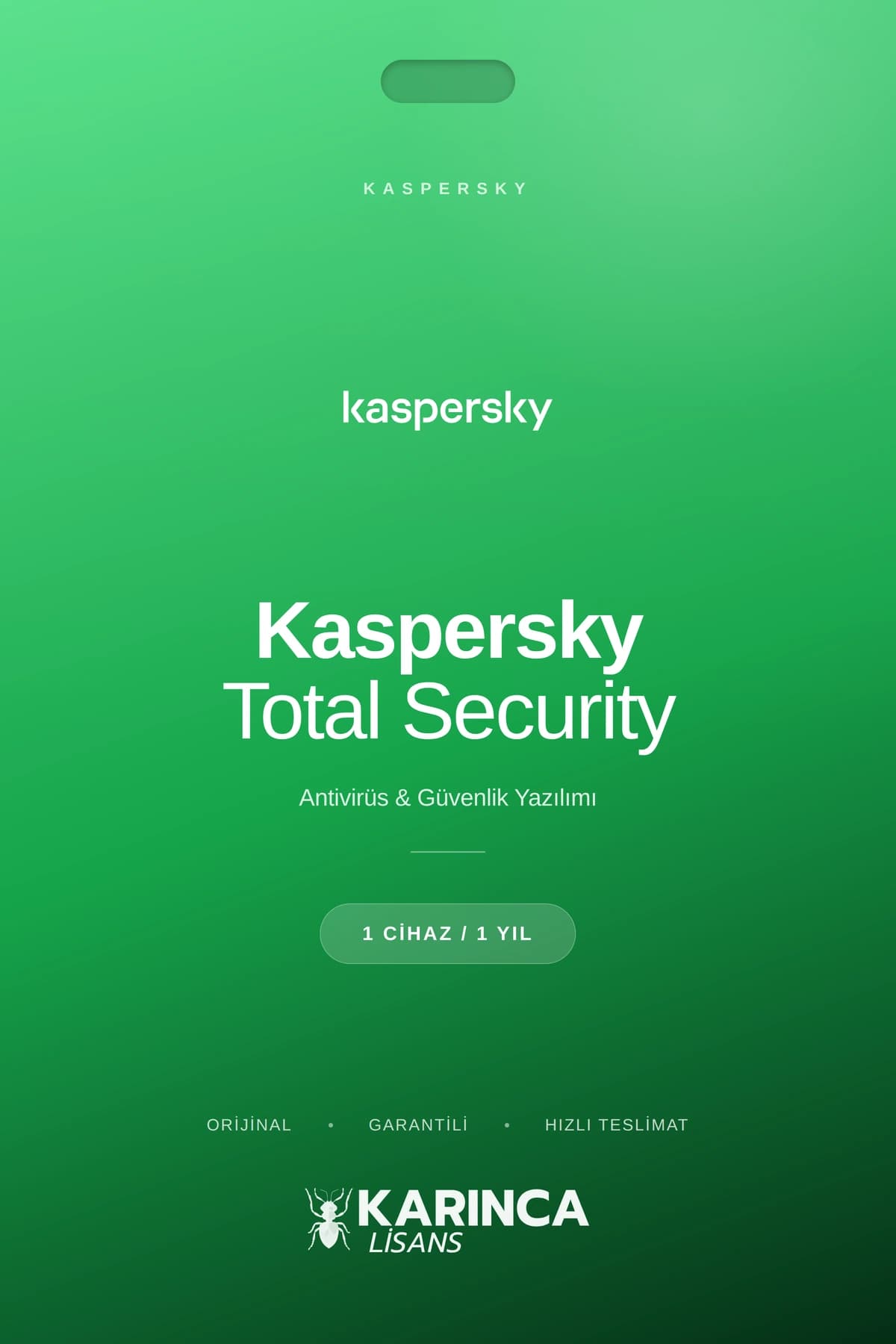
Kaspersky Total Security License
1 year warranty. For one device only. Supported devices: Computer, phone, tablet, etc. 330-365 days of net usage. Must be used within 3 days.
249.00 ₺
1. Almak istediğiniz ürünü seçin.
2. Sepete ekle butonuna tıklayın.
3. Sepete gidin ve ödeme işlemini gerçekleştirin.
Description
For those looking for Kaspersky Total Security, we are talking about a comprehensive security package that consolidates digital security on all devices with multi-layered protection, real-time threat prevention, anti-virus and anti-ransomware engines; This package offers a wide range of features, from banking transactions to password management, from parental controls to secure VPN. It aims to quickly close the vulnerability with proactive detection, instant neutralization, Safe Money and smart firewall components, especially in critical scenarios such as online shopping, banking and file security; Supports multiple device licensing for Windows, macOS, Android and iOS.
Knowing the product scope, system requirements and version differences before buying Kaspersky Total Security is critical for the right choice; The official product page and current product download links verify that there are additional privacy and performance tools as well as core protection modules. In 2025 versions, elements such as real-time protection, anti‑phishing, parental controls, password manager and secure browsing become standard, while continuous protection is highlighted with low system effect and automatic updates.
What is Kaspersky?
Kaspersky is a cybersecurity provider that develops multi-layered defense solutions and offers individual and corporate products against malware, phishing, network attacks, and spam; Total Security is the most comprehensive consumer solution of this ecosystem. Product components include anti‑virus, anti‑malware, anti‑phishing, anti‑spam, firewall, special scanner and privacy protections.
What does Kaspersky Total Security do?
Total Security prevents viruses, trojans, botnets and ransomware by scanning devices in real time; Detects and blocks suspicious links and phishing attempts. It also ensures online security of children with Safe Money, extra protection in online banking and payments, account security with the password manager and parental control.
Highlights
-
Real-time anti-virus and anti-ransomware engines, instant threat neutralization.
-
Anti‑phishing, anti‑spam, anti‑banner and special scan/special scanner modules.
-
Process and data protection with Safe Money, secure keyboard input and virtual keyboard.
-
Password manager, parent controls, smart firewall, low system effect.
Pro/Premium Advantage Difference
Kaspersky’s top layer combines tools such as secure shopping, password management, advanced parental control, firewall and vulnerability scanner in one package beyond the basic antivirus; For this reason, it is preferred in terms of scope and ease of use. Real-time updates, privacy tools, smart network protection and performance optimizations come with 2025 packages.
Layer property differences table
| Feature | anti-virus | Internet Security | Total Security |
|---|---|---|---|
| Basic malware protection | There are | There are | There are |
| Safe Banking/Safe Money | No | There are | There are |
| password manager | No | Limited/Not General | There are |
| Advanced parental control | Limited/None | Limited | Advanced |
| Firewall and vulnerability scan | Limited | There are | Advanced |
Minimum system requirements
With Windows 7 SP1 and above, Windows 10/11 also provides support on macOS and mobile platforms; Minimum CPU 1 GHz, 64‑bitte 64‑bit RAM and approximately 1.5 GB of disk space are among the typical requirements. Internet connection is required for installation and updates; Access to the current installation file is recommended with the official download link.
Secure Banking and Privacy
Safe Money helps prevent data leakage through the browser and keyboard by isolating payment pages; It offers secure keyboard input and additional layer against virtual keyboard, keylogger and screen capture attempts. Private Browsing and Anti‑phishing strengthen identity protection by filtering tracking requests and blocking fake sites.
Parental Control and Password Management
Advanced parental controls increase children’s online security with content filtering, time constraints, and word/expressive protections. The Integrated Password Manager creates and stores complex passwords, ensuring login security and ease of use.
Performance and device scope
With multiple device license windows, macOS, Android and iOS are maintained under the same subscription; Low system effect and efficient operation in the background are targeted. Automatic security updates maintain constant defense against new and evolving threats.
Affordable price and reliability in Ant License
Kaspersky Total Security licenses can be supplied with digital delivery, fast activation and flexible plans per device; The steps to activate through the post-purchase official installation file are simple. Gathering real-time protection, secure payment and privacy tools in a single subscription offers an advantage in terms of price/performance.
Kaspersky Total Security Advantages Chart
| Advantage | Explanation |
|---|---|
| Multi-layer protection | Provides real-time defense against viruses, malware, ransomware and botnets. |
| Safe Banking | Protects payment and banking transactions in an isolated environment with Safe Money. |
| phishing blocking | Detect and block fake sites and phishing attempts. |
| password manager | Safely builds and stores complex passwords. |
| Parental Control | Increases child safety with content filtering and time constraints. |
| Multiple device license | Protects Windows, macOS, Android and iOS with a single license. |
| Low system effect | Maintains performance by working efficiently in the background. |
| Automatic Updates | Stays up to date against new threats |


Reviews
Clear filtersThere are no reviews yet.