
VERSION COMPARISON
Office 2021 vs Office 2024
Both are perpetual licences — pay once, use for life. So which one is right for you? Below you'll find every difference, Microsoft's support dates and our live store prices at a glance.
Short answer
Our general recommendation is Office 2024: Microsoft support runs 3 years longer (October 2029 vs October 2026) and the feature set is more current. Office 2021 still makes great sense when you find it at a clearly lower price — or if you need Publisher.
Current Prices
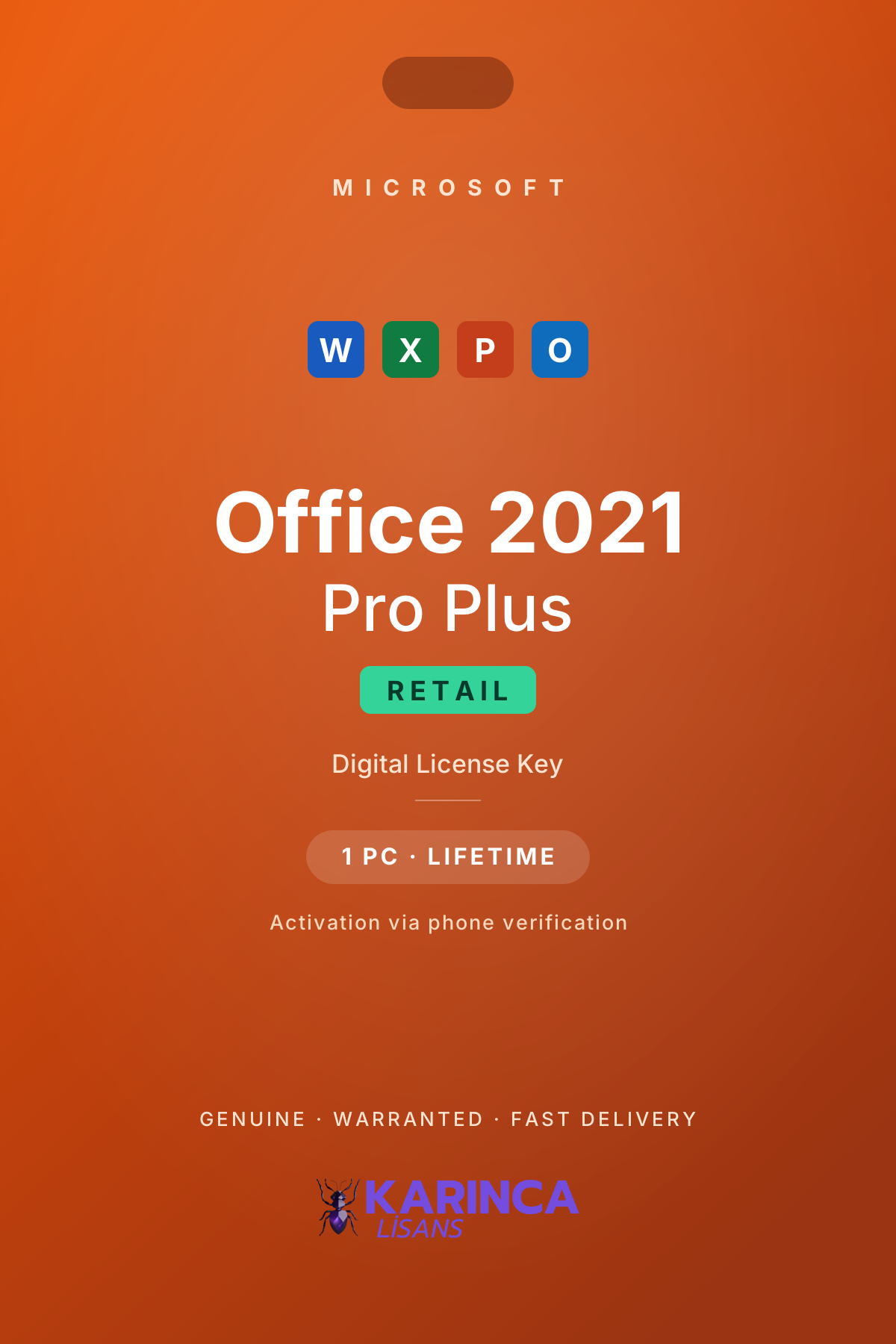
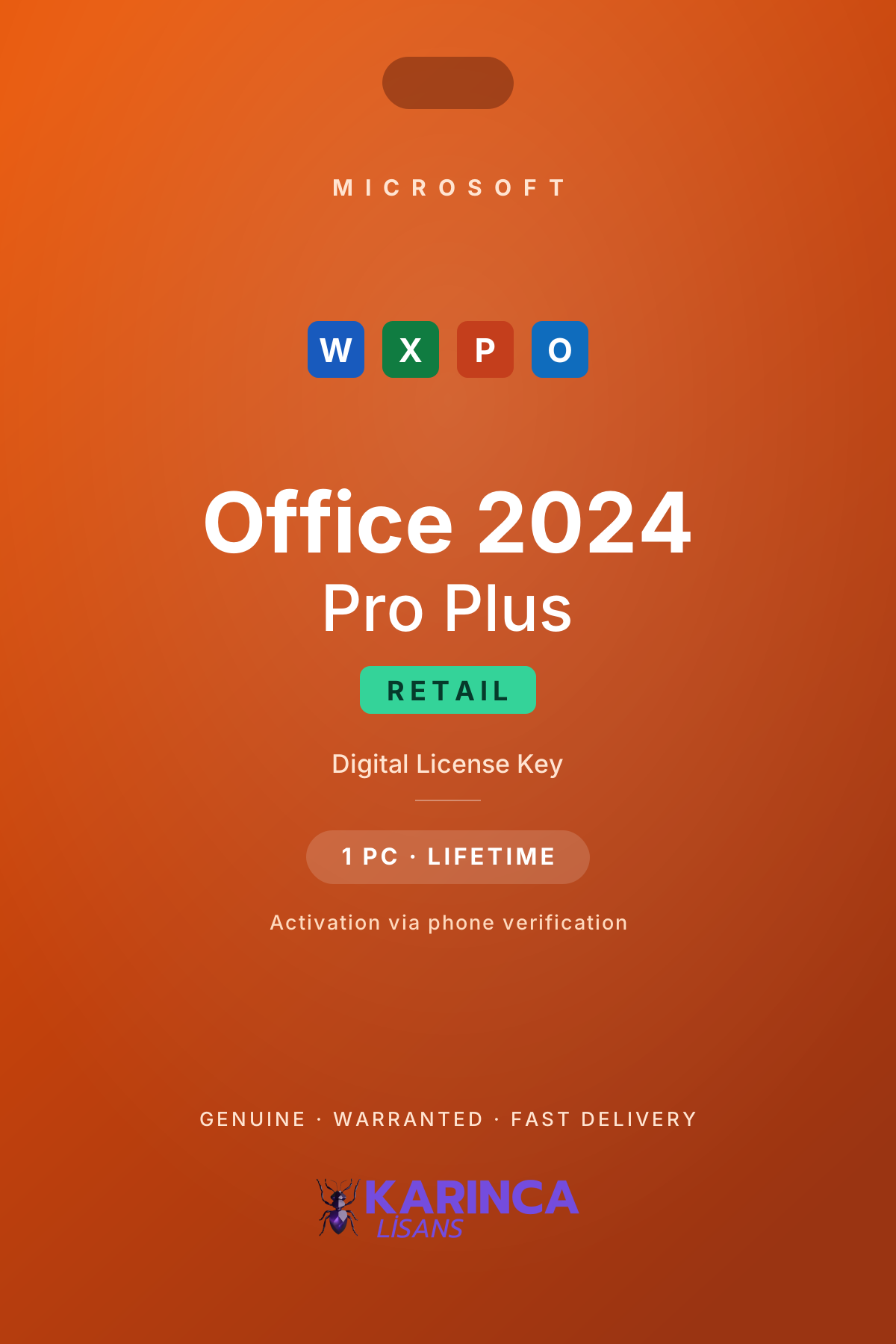
Prices are live — always identical to the product page, one-time payment, no subscription.
Feature Comparison
| Feature | Office 2021 Pro Plus | Office 2024 Pro PlusOur pick |
|---|---|---|
| Release date | October 2021 | October 2024 |
| Microsoft support ends | October 2026 | October 2029 |
| Licence type | One-time · lifetime | One-time · lifetime |
| Word, Excel, PowerPoint, Outlook | Yes | Yes |
| Access | Yes | Yes |
| Publisher | Yes | No |
| XLOOKUP & dynamic arrays (Excel) | Yes | Yes |
| Next-gen Excel functions & dynamic charts | No | Yes |
| Interface | Fluent design | Refined Fluent + dark theme |
| Supported OS | Windows 10 / 11 | Windows 10 / 11 |
| Internet requirement | Activation only | Activation only |
Which One Is for Whom?
Home & student use
For everyday Word, Excel and PowerPoint, both versions are more than enough — pick whichever fits your budget.
Businesses & long-term use
If you want security updates until 2029, Office 2024 is the right call. Buy once and forget about it for years.
Publisher users
Microsoft retired Publisher and left it out of Office 2024. If you need Publisher, Office 2021 is your only option.
Cloud & multi-device users
If OneDrive storage and multi-device sync matter most, look at the subscription instead of perpetual versions: Office 365 Pro Plus
Frequently Asked Questions
Can my Office 2021 key be upgraded to Office 2024?
No. Perpetual licences are version-specific; moving to Office 2024 requires a new licence. Your 2021 key keeps working — a new release never invalidates an old licence.
Will Office 2021 keep working after October 2026?
Yes — it keeps running and activating on the computer it's installed on. Microsoft just stops providing security updates and technical support. If staying current matters, choose Office 2024.
Why is Publisher missing from Office 2024?
Microsoft decided to retire Publisher, so it was not included in the Office 2024 suite. If you need Publisher, buy Office 2021.
How many computers can these licences be used on?
The Retail keys in our store are for 1 PC and provide a one-time activation. Reinstalling after a format requires a new licence.
How fast is the key delivered?
Usually within 1-90 minutes after payment — 100% genuine and invoiced, sent to your e-mail together with our step-by-step setup guides.
What's new in Office 2024?
According to Microsoft's list of what's new in Office 2024, the headline changes are a new default Office theme, dynamic charts bound to dynamic arrays in Excel, 14 new text and array functions, the IMAGE function for placing pictures in cells with a formula, faster Excel when several workbooks are open, an Accessibility ribbon, Word session recovery, better search in Outlook, and cameo presenting and closed captions in PowerPoint. XLOOKUP and dynamic array functions such as FILTER, SORT and UNIQUE were already in Office 2021.
Does Office 2024 include Copilot or Teams?
No. The perpetual Office 2024 does not include cloud-based AI features such as Copilot or real-time co-authoring, and Teams is not preinstalled; it is a separate download. If you want Copilot, you need a Microsoft 365 subscription rather than a perpetual license.
Which Office should I buy for a Mac?
On a Mac, Office 2024 Home & Business for Mac includes Word, Excel, PowerPoint and Outlook; Microsoft does not offer Access for macOS. The key is registered to your Microsoft account at setup.office.com within 6 hours of delivery, so after a reinstall you simply sign in with the same account to install Office again.
Is installing Office 2021 different from Office 2024?
For the Windows Retail packages the steps are the same: remove any older Office versions, restart the computer, run the installer from your delivery email, enter the key and activate by phone. The key must be used within 24 hours of delivery.
This page is an informational comparison prepared by Karınca Lisans. Please make sure you choose the licence that fits your needs before purchasing.
Feature and support information is based on Microsoft's official product lifecycle and release notes (as of July 2026).